
vitaly-zdanevich/wikipedia-userstyle-dark-minimum · 文件 下载 ZIP
文件最后提交记录最后更新时间


README.md
以下内容由 AI 翻译,如有问题请点此提交 issue 反馈
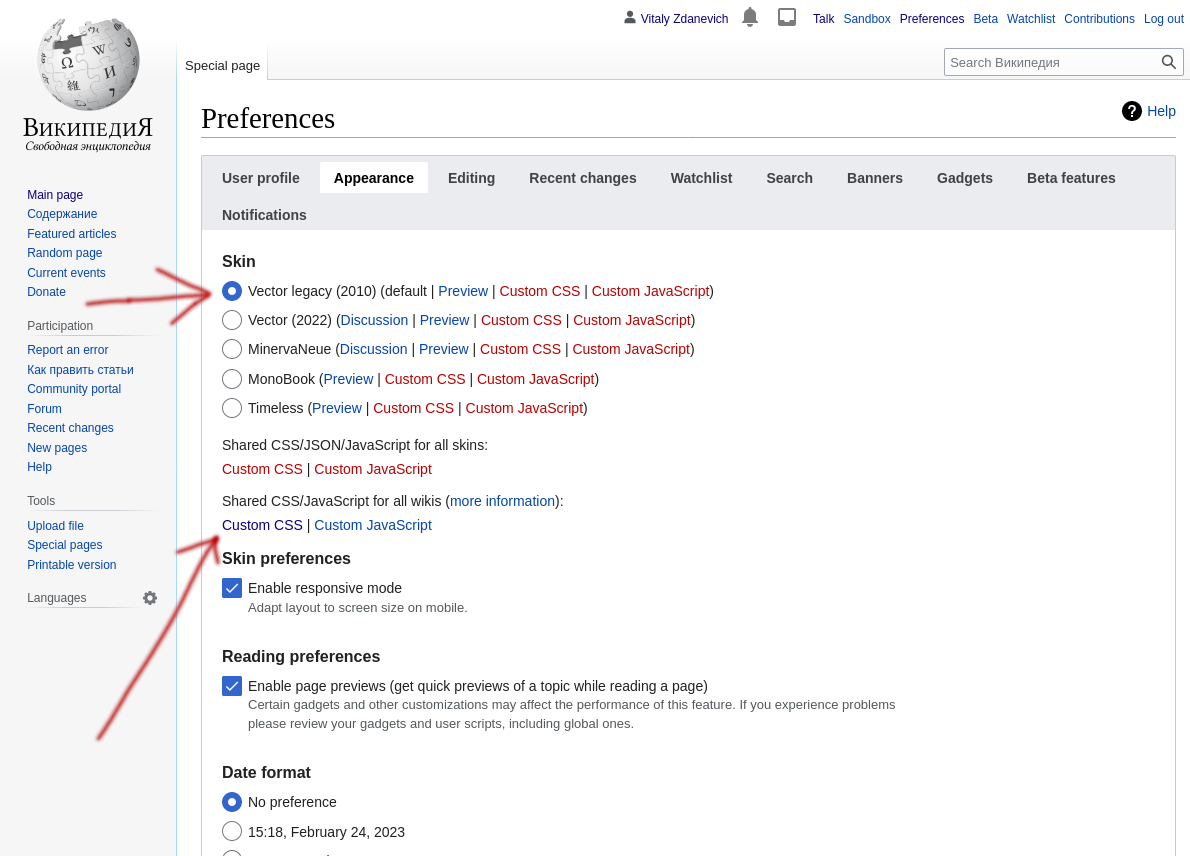
维基百科、维基数据(或其他 Mediawiki 网站、Wikibase)的深色极简用户样式。您可以在自己账户的 Wiki 管理页面中设置此样式——对于 “vector legacy (2010)” 主题,无需使用浏览器扩展程序。

编辑您的维基百科 CSS 的链接(需删除 @-moz-document 块,包括开头和结尾的括号)。
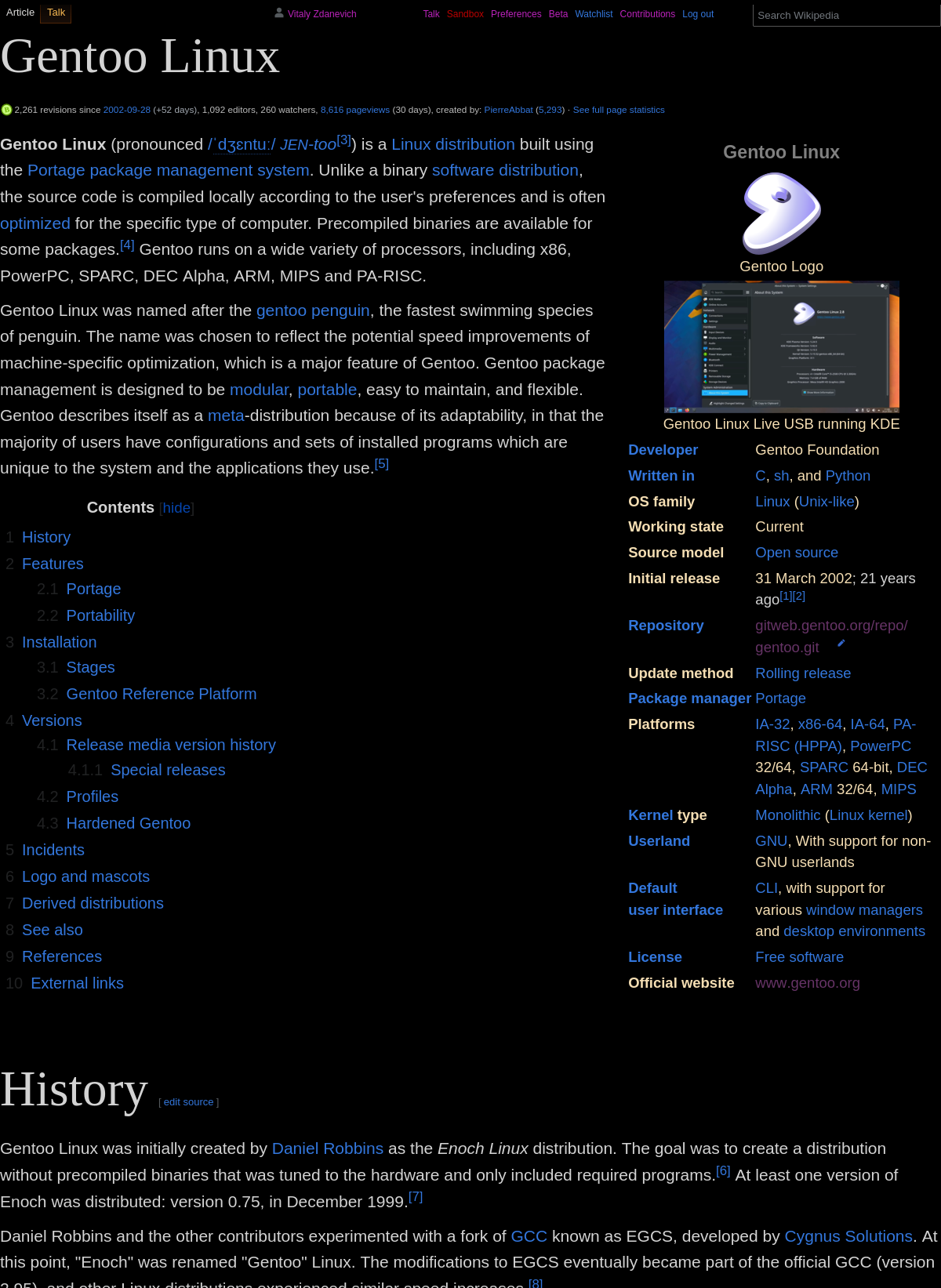
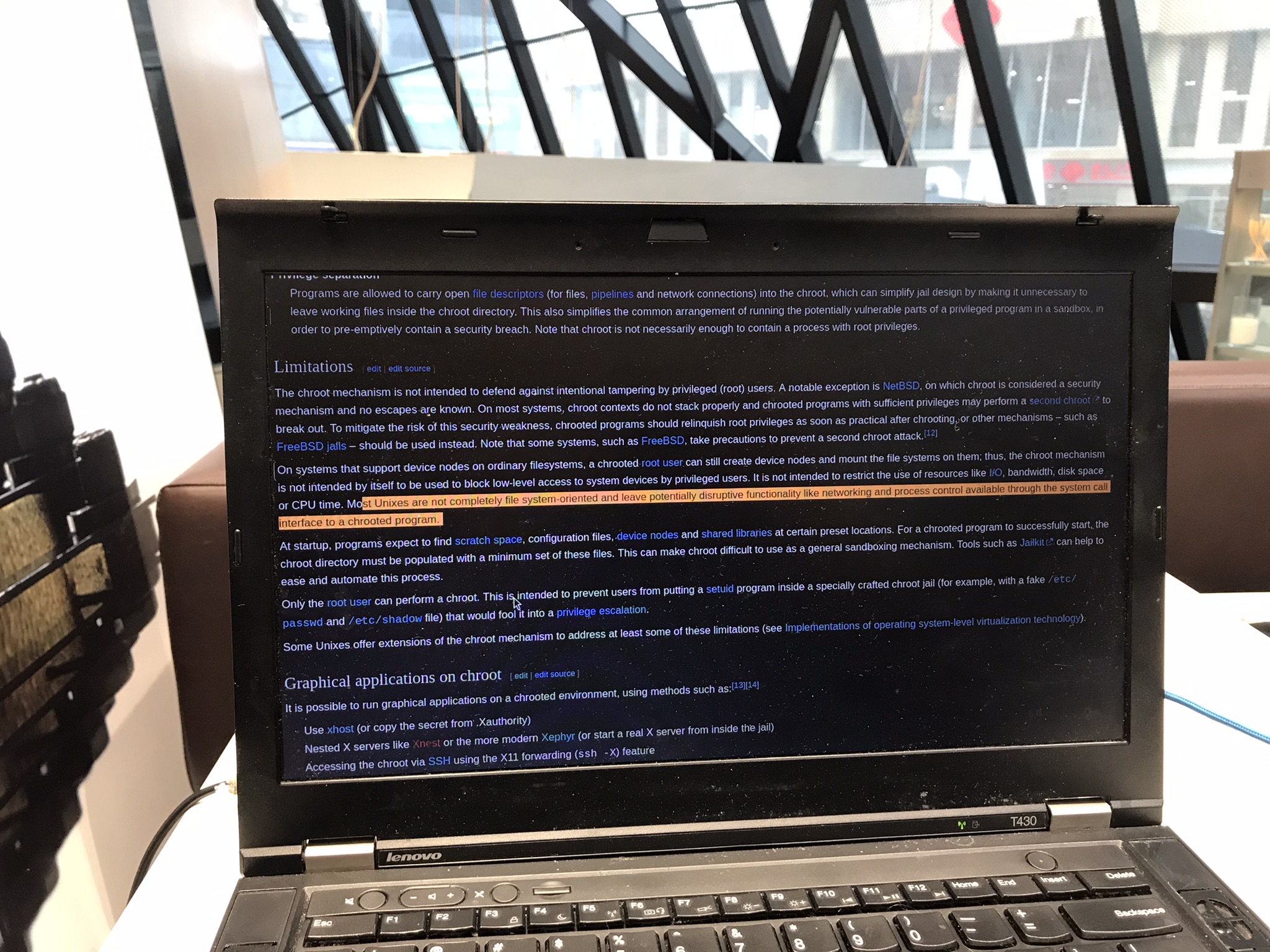
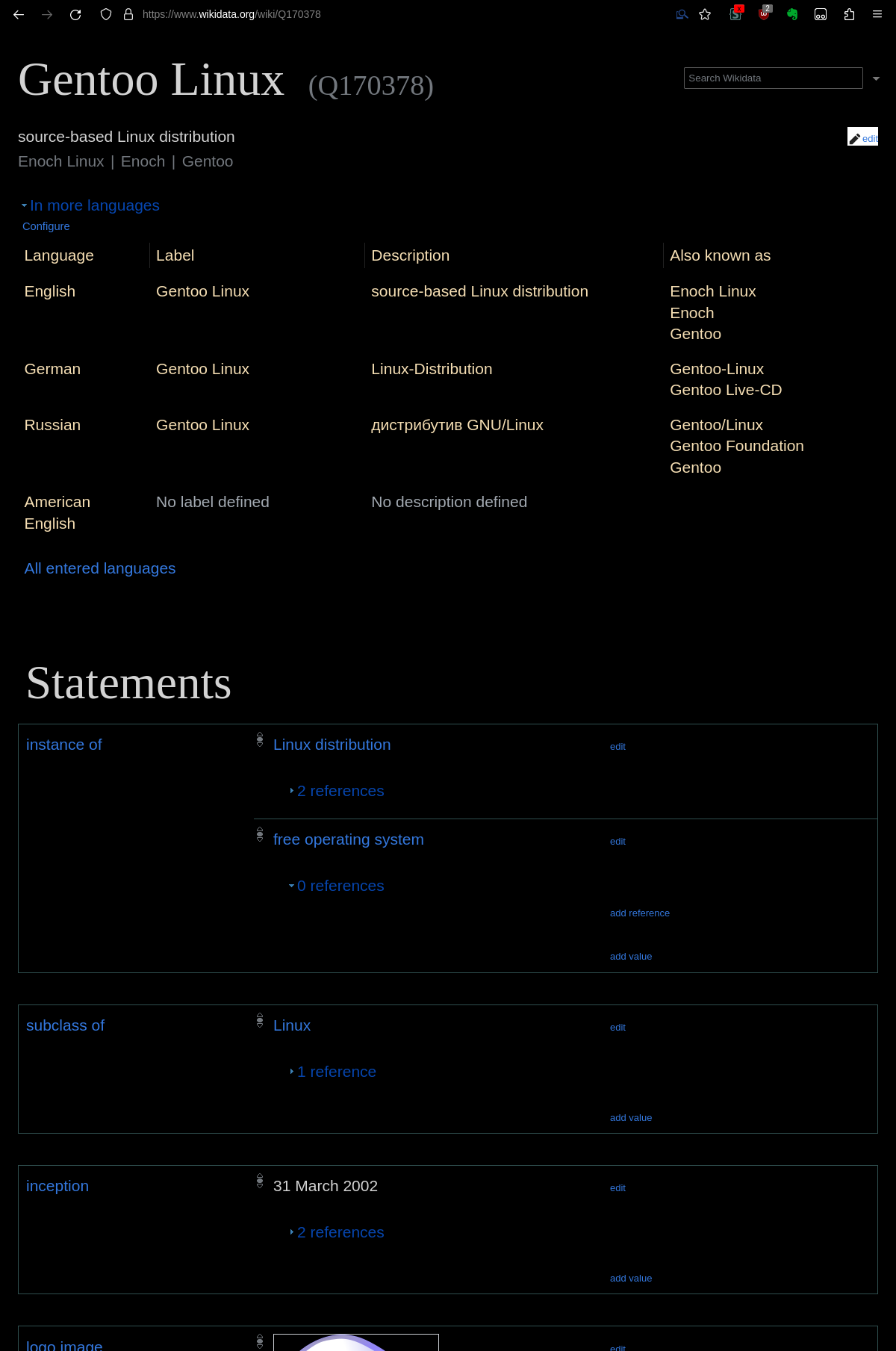
缺少指向“编辑”、“历史”和“Wikidata”的链接?请使用快捷键]。您也可以在文章的网址后添加&action=edit、&action=info。Wikidata的快捷键为:Alt-Shift-G。编辑源代码的快捷键为:Alt-Shift-E。编辑视觉效果的快捷键为:Alt-Shift-V。
想要查看支持的语言吗?请将此JS代码添加到您的global.js中,这样页面底部就会显示相应的语言选项。
$(function() {
	if (mw.config.get( 'wgAction' ) == 'view') {
		lang = document.getElementById('p-lang')
		document.body.append(lang)
	}
})
关于在 Wikimedia Commons 上上传:此 CSS 用于隐藏带有文字的复选框
我确认本作品不包含受版权保护的素材,例如徽标、海报、专辑封面等
但若要继续操作必须选中此复选框——因此您需要使用此 JavaScript:
if (mw.config.get('wgPageName') == 'Special:UploadWizard') {
    // "I confirm that this work does not include material restricted by copyright, such as logos, posters, album covers, etc."

    const parent = document.getElementById('upload-wizard')
    const config = { attributes: true, childList: false, subtree: true }
    const observer = new MutationObserver(_ => {
        const node = document.querySelector('.mwe-upwiz-deed-compliance input')
        if (node && node.checked == false) {
            node.click()
            // I tried node.checked = true but it was not enough
        }
    })
    observer.observe(parent, config)
}查看我的相关用户脚本。