
README.md
以下内容由 AI 翻译,如有问题请点此提交 issue 反馈
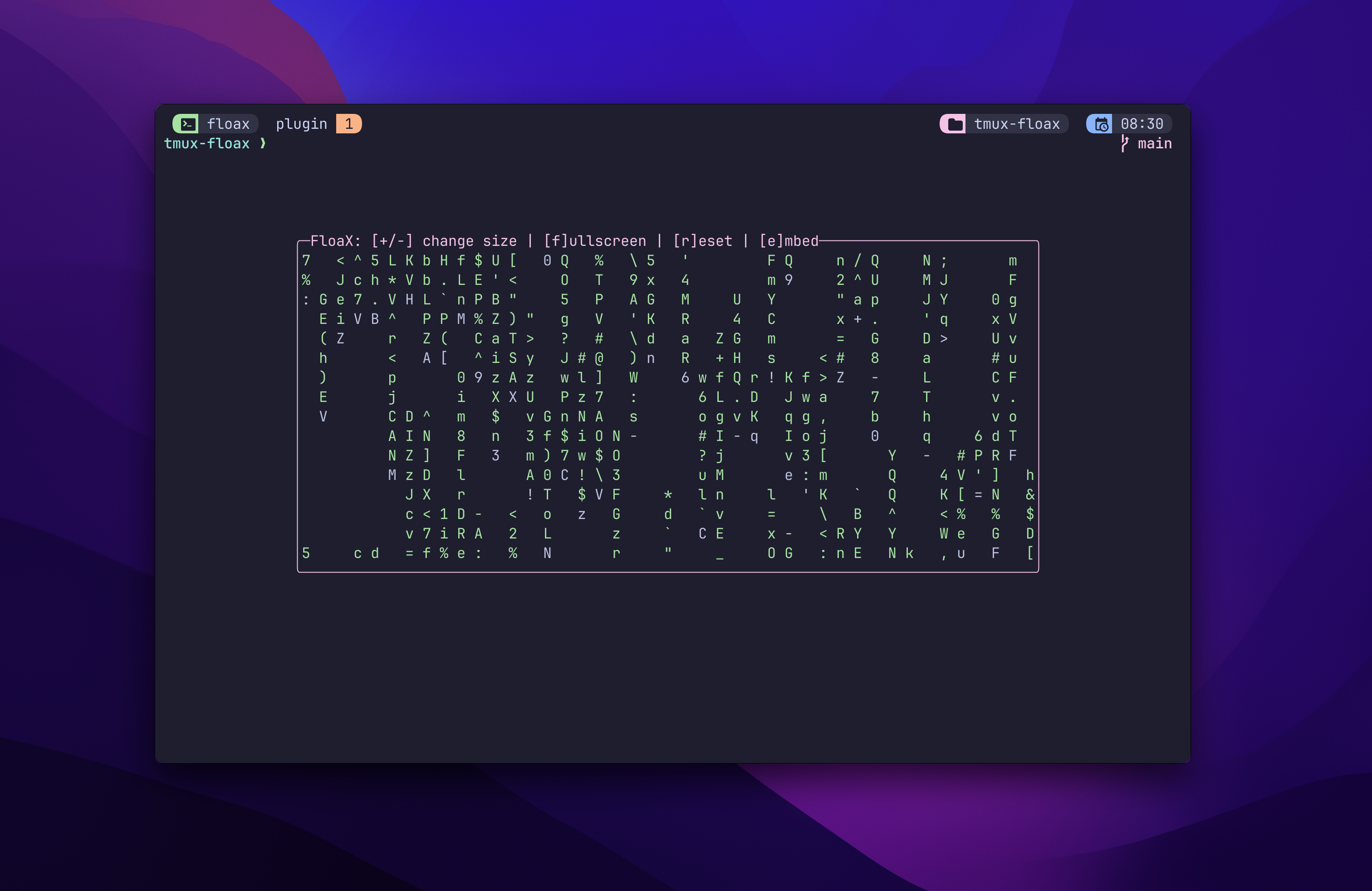
FloaX - Tmux 中的浮动窗格!
安装 💻
使用此插件需要 Tmux 版本 3.3 或更高版本。
将此添加到你的 .tmux.conf 并运行 <prefix>+I 以便 TPM 安装该插件。
set -g @plugin 'omerxx/tmux-floax'
使用内部菜单 📃
菜单(通过 @floax-bind-menu 设置,默认为 <prefix>+P)将在运行浮动窗格时出现。
当从非浮动窗口触发时,目前唯一的选项是将该窗口弹出到浮动窗格。
除非被禁用,相同的按键也绑定到根表(可在不使用 Tmux 前缀的情况下使用),但仅在浮动窗格中有效。
这些选项也列在标题中(除非配置了不同的设置)。
标准菜单选项(后跟其热键):
- 缩小 (-):减小整体尺寸
- 放大 (+):增大整体尺寸
- 全屏:切换窗格至屏幕空间的 100%
- 重置:将窗格尺寸恢复为默认设置
- 嵌入:将浮动窗格的窗口发送到其下方的工作区
配置 ⚙️
此插件的默认绑定为 <prefix>+p(内部菜单为 <prefix>+P)
你可以通过添加以下行并指定你期望的按键来更改它:
set -g @floax-bind '<mykey>'根绑定
如果你想在不使用 <prefix>(例如 Alt+p)的情况下切换 floax,你可以通过在开头添加 -n 来实现:
# M- means "hold Meta/Alt"
set -g @floax-bind '-n M-p'
其他配置选项:
# Setting the main key to toggle the floating pane on and off
set -g @floax-bind '<my-key>'

# When the pane is toggled, using this bind pops a menu with additional options
# such as resize, fullscreen, resetting to defaults and more.
set -g @floax-bind-menu 'P'

# The default width and height of the floating pane
set -g @floax-width '80%'
set -g @floax-height '80%'

# The border color can be changed, these are the colors supported by Tmux:
# black, red, green, yellow, blue, magenta, cyan, white for the standard
# terminal colors; brightred, brightyellow and so on for the bright variants;
# colour0/color0 to colour255/color255 for the colors from the 256-color
# palette; default for the default color; or a hexadecimal RGB color such as #882244.
set -g @floax-border-color 'magenta'

# The text color can also be changed, by default it's blue
# to distinguish from the main window
# Optional colors are as shown above in @floax-border-color
set -g @floax-text-color 'blue'

# By default when floax sees a change in session path
# it'll change the floating pane's path
# You can disable this by setting it to false
# You could also "cd -" when the pane is toggled to go back
set -g @floax-change-path 'true'

# The default session name of the floating pane is 'scratch'
# You can modify the session name with this option:
set -g @floax-session-name 'some-other-session-name'

# Change the title of the floating window
set -g @floax-title 'floax'
已知问题 🐞
过度缩小尺寸会破坏脚本
贡献者 🙌
由 contrib.rocks 制作。