
示波器
一款试图模仿老式射线示波器美学的软件示波器。
如何使用
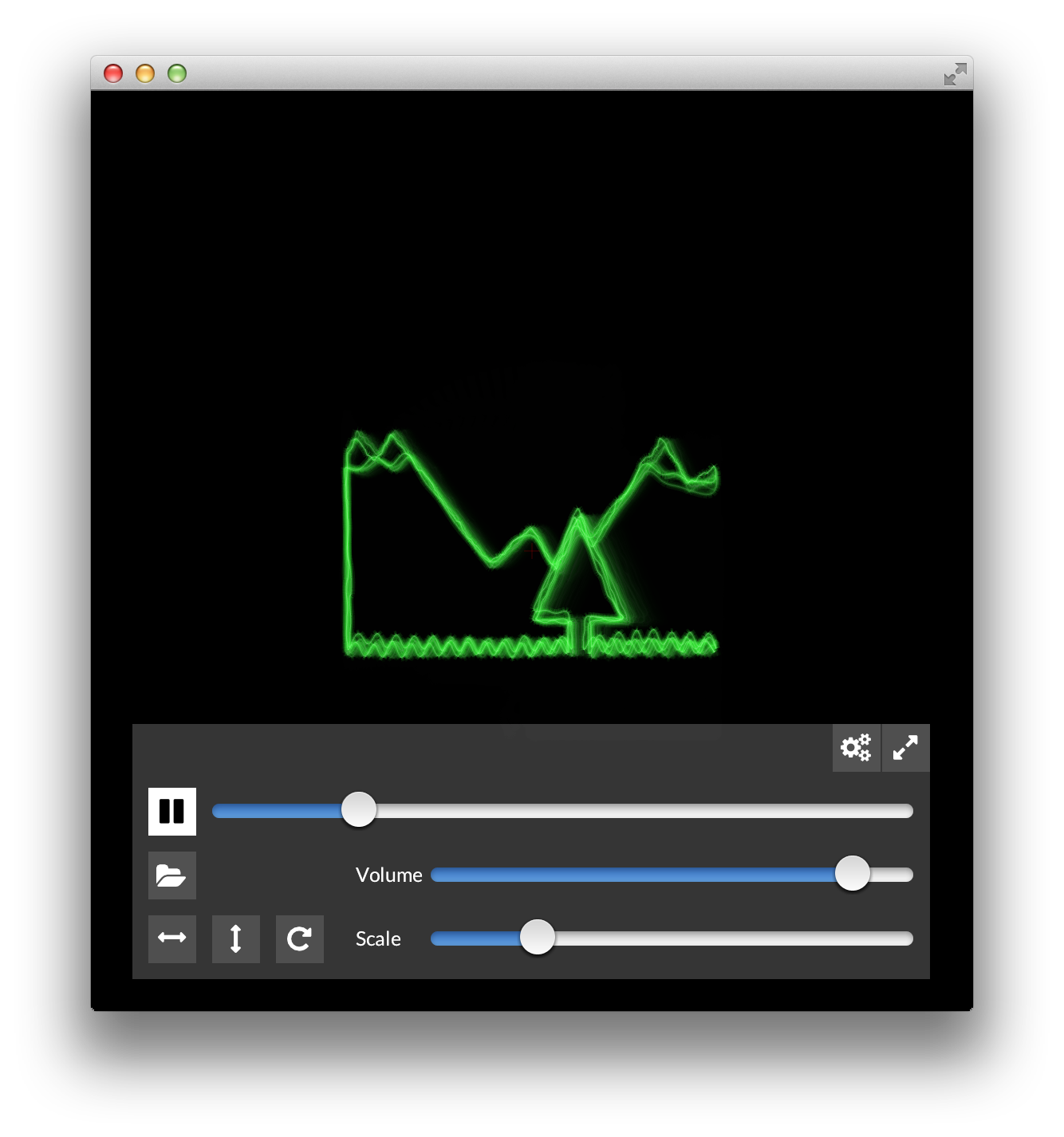
启动示波器后,欢迎信息已加载,按 ▶︎ 播放以确认您的音频设置正常工作。如果未正常工作,请打开 ⚙ 设置并尝试选择另一个输出设备。
要打开文件,您可以点击文件夹图标,或者从 Explorer/Finder/Nautilus/... 中将文件拖放到应用程序中。
| Key | Action |
|---|---|
| Space | 播放/暂停 |
| f | 全屏 |
| Tab | 隐藏界面 |
| e | 导出为图像序列 |
有关更多信息
- 或者访问 oscilloscopemusic.com/osci.php 上的用户页面
- 下载最新版本
程序员文档
项目设置
有时情况会有些变动。 每次构建前请务必阅读这些说明。
- Download and unzip Openframeworks 0.10.1
- Open the folder apps/myApps/ (in the OpenFrameworks folder)
- Clone the repository with submodules:
git clone --recursive https://github.com/kritzikratzi/Oscilloscope.git - Download the binary release for ofxAvCodec from https://github.com/kritzikratzi/ofxAvCodec/releases/tag/0.2
- Replace the addons/ofxAvCodec/libs with the libs folder from the download
使用 XCode 编译(OSX11.5+)
- 在 Build Settings 选项卡中,将
--deep值添加到Other Code Signing Flags键 - 打开 apps/myApps/oscilloscope/Oscilloscope.xcodeproject,然后 Build&Run
- (可选)使用 apple 进行 Sign&Notarize:将
scripts/osx-config-template.sh复制到osx-config.sh,然后运行scripts/dist.sh osx 1.1.0
你也可以在命令行中使用 make && make run 进行构建。生成的构建将没有图标/没有正确的名称/没有视网膜支持。
使用 Visual studio 2017 进行编译
Shell 命令可以从 git bash、cygwin、msys 或任何其他 shell 模拟器中运行。
- run
scripts/clean.sh - run
scripts/prepare.sh win64 - Open oscilloscope.sln and Build&Run
在 Linux 中使用 make 进行编译
这是一个包含 OF 的完整安装(感谢 rrolison68!)
cd wget -c https://openframeworks.cc/versions/v0.10.1/of_v0.10.1_linux64gcc6_release.tar.gz tar -zxvf of_v0.10.1_linux64gcc6_release.tar.gz mv of_v0.10.1_linux64gcc6_release OF cd OF/scripts/linux/ubuntu sudo ./install_dependencies.sh cd cd OF/apps/myApps git clone --recursive https://github.com/kritzikratzi/Oscilloscope.git cd Oscilloscope scripts/clean.sh cp -R addons/ofxMightyUI/bin/data/* bin/data/ cp -R addons/ofxFontAwesome/bin/data/* bin/data/ make -j2 bin/Oscilloscope 请参阅 scripts/readme.md 了解完整的分发流程。
打包软件
- 对于 osx 运行
scripts/dist.sh $platform $version - platform 是
osx linux linux64 win64之一 - version 是您想要的任何版本,例如
1.0.6
贡献者
- https://github.com/subwolf/ Linux 支持
- https://github.com/s-ol/ Linux 支持
许可证/源代码
- Openframeworks. 一个创意编程库。其大部分代码以 MIT/BSD 许可证授权。
- FFmpeg 和 ofxAvCodec. FFmpeg 是_那个_编码器/解码器库,采用 gpl/lgpl 2.1 许可证。此处包含的二进制文件已编译以符合 lgpl 要求。LGPL 副本以及针对每个平台的库编译说明可在
legal文件夹中找到。 - 本应用程序的源代码可自由获取于 github。