
LucasOe/one-dark-code · 文件
文件最后提交记录最后更新时间

README.md
One Dark Code
One Dark Code is a version of Atom's iconic One Dark theme for Visual Studio Code.
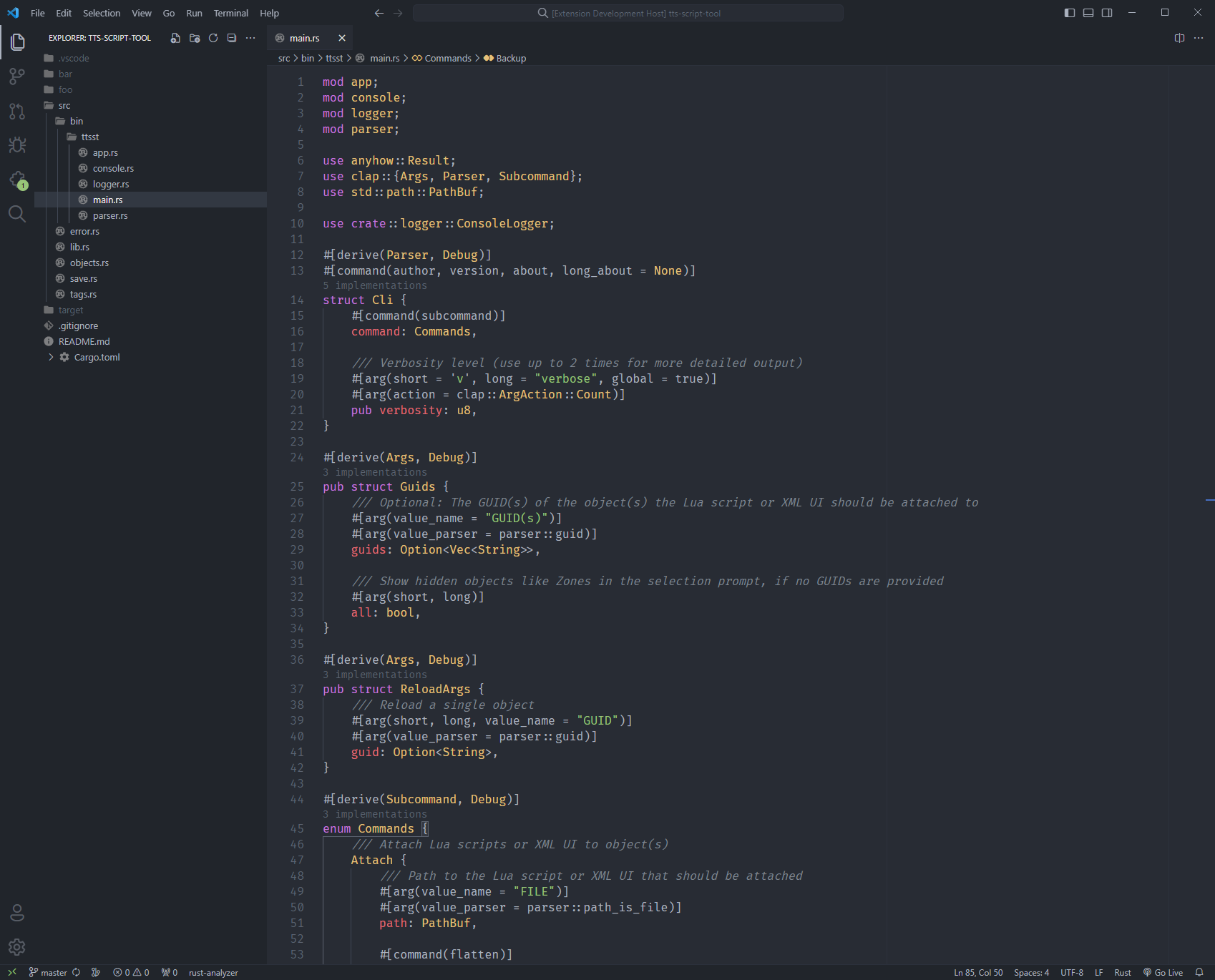
Markdown Preview
This theme adds its own markdown preview styling.
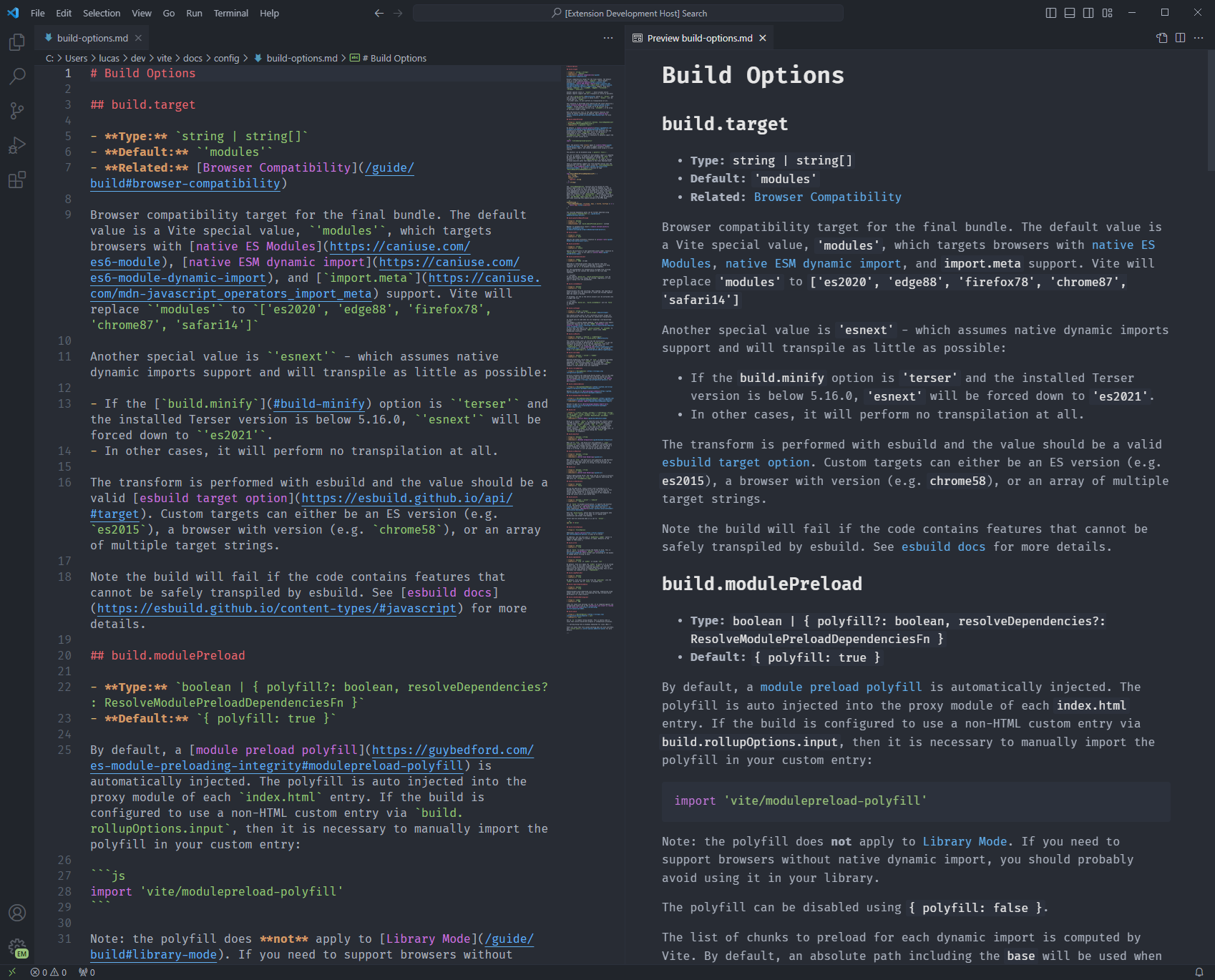
Notes
To override this (or any other) theme in your personal config file, please follow the guide in the color theme documentation. This is handy for small tweaks to the theme without having to fork and maintain your own theme.
Bracket Pair Colorization
To disable bracket pair colorization add "editor.bracketPairColorization.enabled": false to your settings.json.
Borders
To add borders around the sidebar and titlebar, use the following settings:
{
  "workbench.colorCustomizations": {
    "[One Dark Code]":{
      "activityBar.border": "#2c313c",
      "sideBar.border": "#2c313c",
      "sideBarSectionHeader.border": "#2c313c",
      "tab.border": "#2c313c",
      "titleBar.border": "#2c313c",
    }
  }
}
Alternative Syntax Highlighting
By default variables are highlighted red. If you think there is too much red, you can swap the color of variables and properties, or adjust the colors yourself:
{
  "editor.tokenColorCustomizations": {
    "[One Dark Code]": {
      "textMateRules": [
        {
          "scope": "variable",
          "settings": {
            "foreground": "#abb2bf"
          }
        },
        {
          "scope": ["variable.other.property", "variable.other.object.property"],
          "settings": {
            "foreground": "#e06c75"
          }
        }
      ]
    }
  },
  "editor.semanticTokenColorCustomizations": {
    "[One Dark Code]": {
      "rules": {
        "variable": "#abb2bf",
        "parameter": "#abb2bf",
        "selfKeyword": "#abb2bf",
        "property": "#e06c75"
      }
    }
  }
}